Package Linux Build on Windows OS for Linux Pixel Streaming
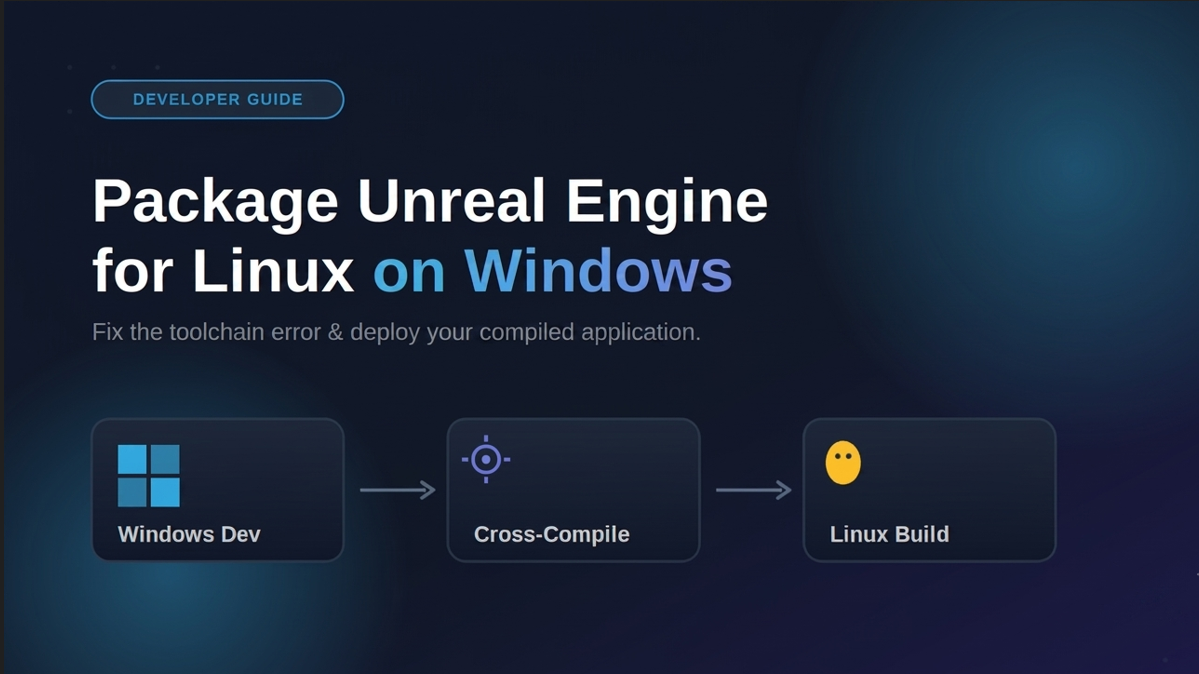
In this guide, you'll learn how to package an Unreal Engine project for Linux using a Windows operating system. We'll walk through the required build settings and packaging process to generate a Linux build ready for deployment and Linux Pixel Streaming.
 Fakhrul Islam
July 27, 2026
5 min read
Overview
The problem: Unreal Engine doesn’t come with Linux build support installed by default. So if you’re developing a project on a Windows machine and try to package it for Linux, it fails with an error saying the binary’s target platform isn’t installed.
When it happens: This error shows up specifically when packaging for Linux from a Windows PC that has never had Linux platform support or the Linux Cross-Compile Toolchain set up. It’s a common roadblock for developers who build on Windows but need to deploy their project on Linux, for example, to a Linux server or a cloud pixel streaming platform like Eagle 3D Streaming.
The fix: This guide walks through installing Linux platform support from the Epic Games Launcher, downloading the matching Linux Cross-Compile Toolchain, setting up the required environment variable, packaging the project, and deploying the finished Linux build to Eagle 3D Streaming.
Note: If you’re already developing on a Linux OS, none of this setup is needed, the cross-compile toolchain is only required when building for Linux from a non-Linux system.
Video Guidance
Watch the Full Video Tutorial.
Step by Step Guide
Step 1: Enable Linux Platform Support in Epic Games Launcher
1. Open the Epic Games Launcher.
2. Go to Unreal Engine > Library.
3. Find your installed engine version, click the options/gear icon, and open Options.
4. Under Target Platforms, enable Linux.
5. Click Apply — the launcher will begin downloading the required Linux platform files automatically.
Step 2: Download the Matching Linux Cross-Compile Toolchain
The toolchain version must match your Unreal Engine version — using the wrong one will cause packaging errors later.
1. Go to Epic’s official Linux development documentation.
2. Find the Cross-Compile Toolchain section.
3. Download the toolchain version that corresponds to your installed Unreal Engine release (for example, a different toolchain build is required for UE 5.6 versus UE 5.7).
4. Once downloaded, double-click the installer and complete the installation using the default install path.
Step 3: Set the Environment Variable
This step tells Unreal Engine where to find the installed toolchain.
1. Open Environment Variables on Windows (search “Edit the system environment variables”).
2. Under System variables, create a new variable.
3. Set the value to the toolchain’s installation folder — browse to the directory and select it.
⚠ Important: Select the folder/directory, not a specific file, when setting the path.
4. Click OK to save, then restart your computer for the environment variable to take effect.
Step 4: Package Your Project for Linux
Once your machine has restarted:
1. Open your Unreal Engine project.
2. If you’re deploying with pixel streaming, enable the Pixel Streaming plugin first.
3. Go to Platforms > Linux > Package Project. 4. Choose an output folder.
5. Wait for packaging to complete — you’ll see a “Packaging completed” confirmation once it’s done.
Your Linux build will now be available in the output folder you selected, ready for deployment.
Step 5: Deploy Your Linux Build to Eagle 3D Streaming
Since Eagle 3D Streaming supports Linux pixel streaming, you can upload your packaged build directly:
1. Log in to your Eagle 3D Streaming Control Panel.
2. Click Add Application and select your packaged ZIP file.
3. When prompted for platform type, select Linux.
4. Give your application a name, then click Upload.
5. Wait while the file uploads and passes automated validation checks.
6. After a successful upload, allow 4–5 minutes for the build to sync across Eagle 3D Streaming’s servers.
7. Once sync is complete, launch the application to test it — you should see it streaming with full visual quality, ready to share via a browser link.
Frequently Asked Questions
Why does Unreal Engine say “binary is for this target platform, but is not currently installed”?
This means the Linux platform support and cross-compile toolchain aren’t installed yet on your Windows machine. Enable Linux under Target Platforms in the Epic Games Launcher, then install the matching cross-compile toolchain.
Can I package a Linux build for Unreal Engine while using Windows?
Yes. Unreal Engine supports cross-compilation, which lets you package a Linux-compatible build directly from a Windows machine, without needing a native Linux OS.
Do I need to match the toolchain version to my Unreal Engine version?
Yes. Each Unreal Engine release requires a specific Linux Cross-Compile Toolchain version. Installing the wrong version can cause packaging errors.
What environment variable do I need to set for Linux crosscompiling?
You need to point Unreal Engine to your installed toolchain’s directory via a system environment variable, then restart your computer for it to take effect.
Can I stream a Linux Unreal Engine build without a Linux server?
Yes. Cloud platforms like Eagle 3D Streaming support uploading and streaming Linux-packaged Unreal Engine builds directly, without you needing to manage your own Linux infrastructure.
How long does it take for an uploaded build to be ready on Eagle 3D Streaming?
After a successful upload, allow roughly 4–5 minutes for the application to sync across the platform’s streaming servers before launching.
Key Takeaways
- Unreal Engine can package Linux builds from Windows using cross-compilation — no native Linux machine required.
- You must install Linux platform support via Epic Games Launcher and the matching Linux Cross-Compile Toolchain.
- Set the toolchain directory (not a file) as a system environment variable, then restart your PC.
- Once packaged, Linux builds can be deployed directly to Eagle 3D Streaming for browser-based pixel streaming.
- For the official toolchain downloads and version compatibility tables, refer to Epic Games’ Linux development documentation.
Share this article