

Mel Lim
Finding a streaming partner that could actually do what we needed was the challenge — Eagle was able to integrate and stream for us effectively, even connecting directly with platforms like Shopify and Magento to fit into our existing setup.

Eagle 3D Streaming streams your Unreal Engine app from the cloud into your page. Embed it via iframe or the Frontend SDK, wire it into your existing React, Vue, or vanilla JS stack, and send data between the webpage and the Unreal app over the WebRTC data channel.
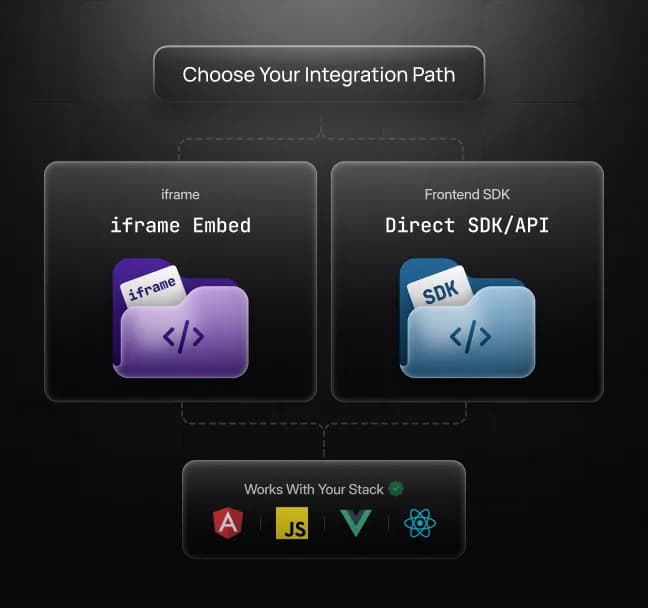
An iframe for a drop-in embed, or the Frontend SDK for direct DOM integration with token-based auth and full control over the session lifecycle.
Subscribe to queue position, download progress, stream-ready, data-channel open, errors, and session expiry to build custom loaders, reconnect flows, and error states.
Send structured JSON from the webpage to Unreal and receive responses back to read state, send input, and control the app from your UI.
Works on Chrome, Safari, Firefox, and mobile browsers without OS restrictions
Two Embed Paths
Frontend teams integrate Eagle 3D Streaming one of two ways. The iframe path is the fastest: paste a script tag, style the container, done. The Frontend SDK embeds the stream directly into your DOM with token-based auth, giving you full control over the session and tighter integration with your existing components.
Drop-in embed, framework-agnostic, communicates with the parent page via postMessage. Best for fast integrations and simple layouts.
Direct DOM integration, token-based auth, full callback surface for session lifecycle, quality, volume, and fullscreen. Best for production apps where the stream is a first-class UI component.
Both paths support React, Vue, Angular, and vanilla JS.
Build Your Own Player UI
Clients should not see a generic streaming widget. Eagle 3D Streaming lets you hide the default player chrome, subscribe to every stage of the connection lifecycle, and build loading screens, reconnect flows, and error states in your own CSS and components.
Hide Eagle 3D's default UI and render the stream in your own container
Subscribe to events for queue position, app download progress, stream-ready, data-channel open, errors, and session expiry
Drive your own loaders, progress bars, reconnect logic, and error pages from those events
Prevent Eagle 3D's default error redirect and handle failures in your own UI
Bidirectional Messaging with Unreal
Eagle 3D Streaming opens a WebRTC data channel between your webpage and the Unreal app, so the stream is not a one-way video feed. It is an interactive component you can drive from your UI. Send structured JSON into Unreal, register a handler for messages coming back, and treat Unreal like any other part of your app.
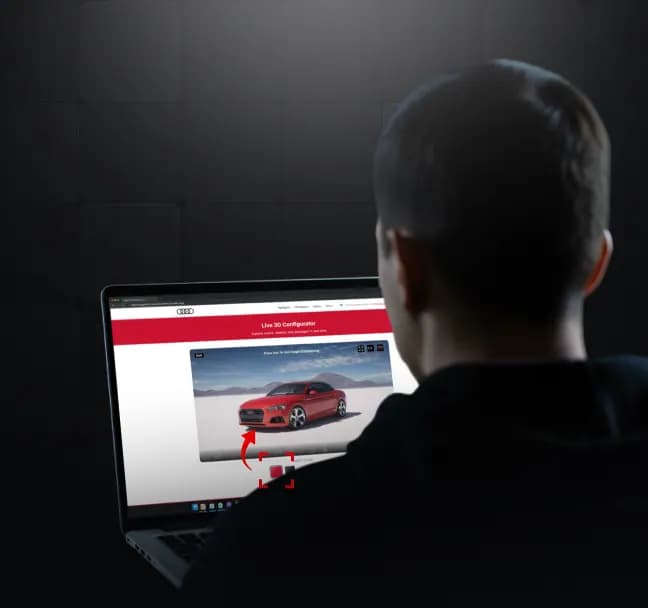
Send structured JSON from the webpage into the Unreal app
Register a handler to receive messages from Unreal on the webpage
Drive Unreal state from your existing UI controls: buttons, forms, dropdowns, sliders
Surface Unreal state in your existing UI, including status displays, analytics, and conditional rendering
Real-World Frontend Pain Points, Solved
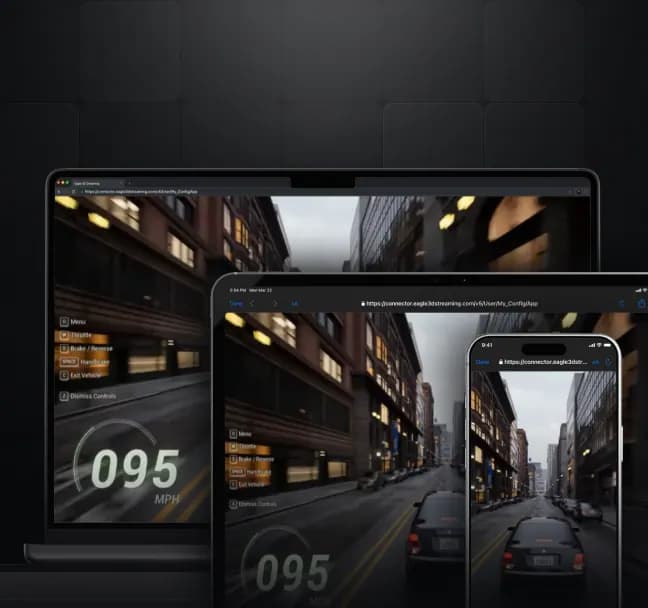
Eagle 3D Streaming streams to Chrome, Safari, Firefox, and mobile browsers without asking users to install anything. Keyboard, mouse, and touch input pass through to the Unreal app as configured, and the stream container is yours to style responsively.
Runs on Chrome, Safari, Firefox, and mobile browsers, with no installs and no extensions
Keyboard, mouse, and touch input pass through to the Unreal app as configured
Container is yours to style responsively: resize, reposition, and adapt to breakpoints like any other component
Audio requires a user-initiated interaction (browser policy), and Eagle 3D surfaces this cleanly so you can handle it in your own UI
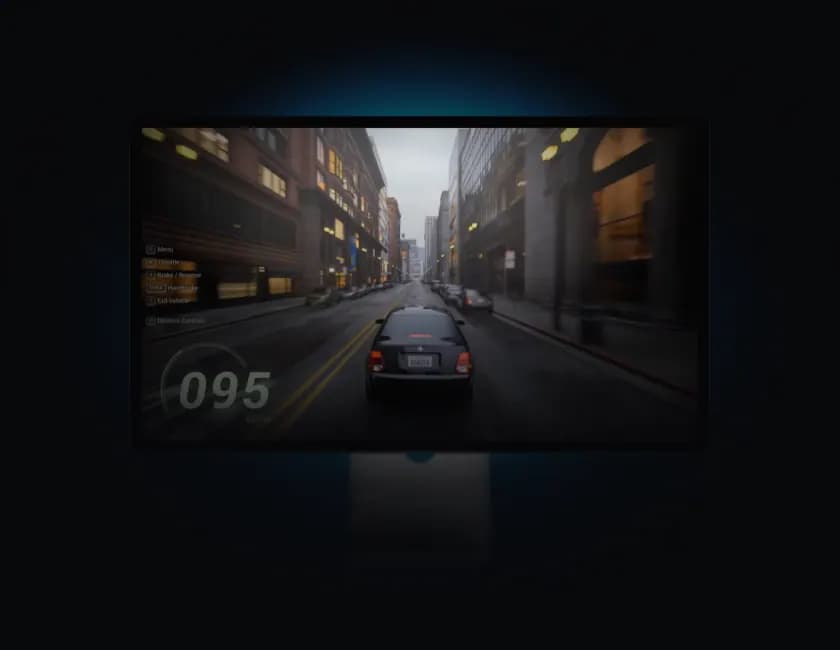
You Control the UI.
Eagle 3D Handles the Streaming
Embed Unreal Engine into your web app without rebuilding your frontend. Eagle 3D Streaming handles the pixel streaming infrastructure, the data channel, and the session lifecycle, while your team controls the UI, the branding, and the user experience.

We work with companies like Eagle 3D to make pixel streaming a reality — in essence, it's a zero-latency interactive movie. The biggest advantage is accessibility: no powerful computer required, nothing to install, zero barrier to entry.
Finding a streaming partner that could actually do what we needed was the challenge — Eagle was able to integrate and stream for us effectively, even connecting directly with platforms like Shopify and Magento to fit into our existing setup.

My pitch to clients was simple: imagine a high-fidelity, fully interactive project you can experience in the cloud, host on your website, and also run live at your trade show booth — all from one build. Eagle's Pixel Streaming blended perfectly with that vision, and it even supports VR headsets, so people can engage with the same project wherever they are.
Whether you're exploring pixel streaming, multiplayer, or enterprise
deployments, we're here to answer your questions.
Join Eagle 3D's Discord to get help with your project from the community.
© 2026 Eagle 3D Streaming.
Legal & Trust Center


