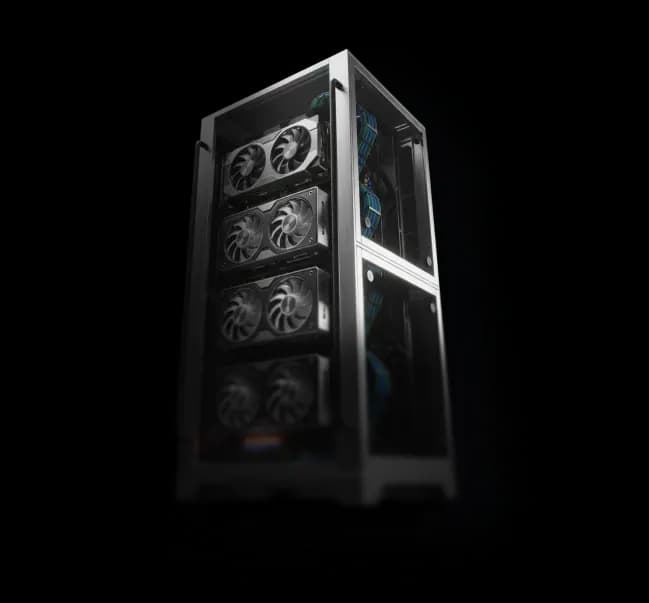
Graphics card representing automated Unreal Engine deployment infrastructure for DevOps teams managing pixel streaming applications

Ship Unreal Apps Without
Managing GPU Infrastructure

Eagle runs your Unreal Engine app on cloud GPUs and streams it to any browser — no GPU VMs to provision, no STUN/TURN servers to debug, no scaling logic to maintain. Deploy once, share a link.

Centralized Control & Cost Management

Manage cost caps, session limits, and scaling from a single place

Auto Scaling Infrastructure

Automatically provisions VMs and scales resources as session volume increases

Reliable WebRTC Connectivity

Handles all TURN/STUN infrastructure to ensure stable connections

showcase

DevOps teams at visualization studios and enterprise AEC firms use Eagle to manage streaming‑grade Unreal Engine workloads — from
real‑estate platforms and configurators to massive infrastructure models — without owning or operating GPU infrastructure.

How It Works


Four Steps From Unreal
Build to Managed Streaming

No need to reinvent the CI/CD pipeline to ship Unreal Engine experiences.

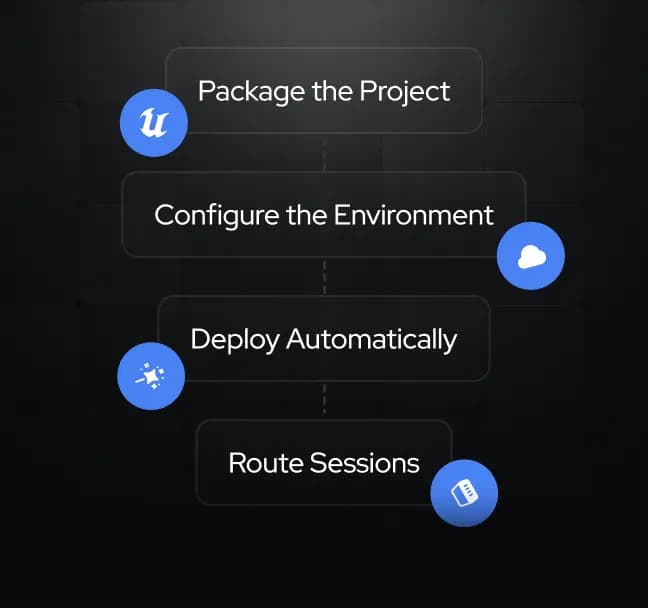
  • Step 1 — Package the Project

    Enable the Pixel Streaming plugin and package your Unreal build as normal.

  • Step 2 — Configure the Environment

    Define your VM class, GPU profile, scaling rules, and cost caps. Choose always-on VMs for 24/7 experiences or on-demand instances for intermittent use.

  • Step 3 — Deploy Automatically

    Push the build via the Eagle API, dashboard, or Plugin. Eagle spins up VMs, attaches storage, and wires the streaming layer — no provisioning scripts.

  • Step 4 — Route Sessions

    Eagle maps incoming sessions to available VMs over WebRTC, with no stray VMs or idle instances to clean up.

See the DevOps Flow
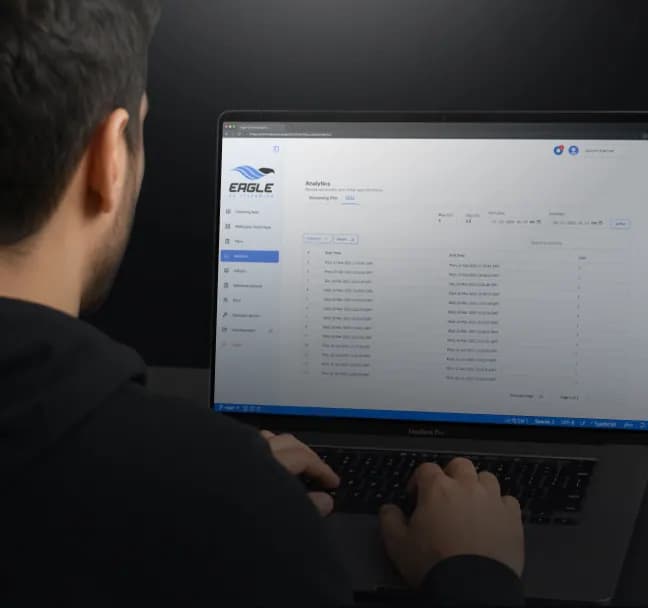
Deployment orchestration dashboard automating infrastructure provisioning and cloud deployment for Unreal Engine streaming applications

Auto-Scaling and VM Management


Scale Unreal Engine
Sessions Like Any Other
Cloud Service

For teams focused on infrastructure control:

  • VM provisioning that matches session demand

  • Auto-scaling up and down without over-provisioning

  • Clear cost caps and session limits to prevent runaway GPU spend

Eagle enables teams to:

  • Define preferred VM sizes and GPU classes (including 24/7 "always-on" modes for high-traffic projects)

  • Apply auto-scaling rules so additional VMs launch automatically when concurrent usage spikes

  • Set hard limits on sessions, concurrent streams, and maximum spend per project

Set Limits, Not Firewalls
Cloud infrastructure automation engine managing scalable Unreal Engine pixel streaming resources and deployment environments

Networking and WebRTC


Pixel Streaming
Infrastructure That Works
With Your Existing Stack

No connectivity debugging after you ship. Eagle handles the streaming infrastructure, including:

  • STUN and TURN servers for NAT traversal

    Network optimization for high-frame-rate, low-latency streams

    Session routing to the best-available VM before the WebRTC connection is negotiated

Streaming URLs and session controls are exposed via API, so you can embed streams and manage sessions from your existing dashboards — no custom TURN deployment, no explaining NAT traversal to your clients.

Skip the Infrastructure Setup
Secure deployment authentication interface connecting Unreal Engine projects to Eagle 3D Streaming deployment pipelines

Cost-Conscious, Repeatable Workflows


Keep Streaming Costs
Under Control

Someone still has to explain the bill to the finance team. Eagle makes it easier by:

  • Monitoring VM usage so inactive instances can be pruned — or additional ones spun up — as demand changes

  • Giving visibility into session length, concurrency, and the geographic origin of streaming sessions

  • Supporting dedicated servers on a per-project basis, with billing separated by project

The same deployment pattern can be stamped out across projects, tenants, or clients — with clear separation between environments and budgets.

Get Your Costs Under Control
Developer monitoring automated CI/CD deployment pipeline for Unreal Engine applications through integrated DevOps workflows

Real-World DevOps Pain Points, Solved


This Is Why DevOps Teams
Switch to Eagle

These are familiar challenges:

  • Being asked to run Unreal Engine on GPU VMs that are not directly owned, with no clear cost-control or shutdown policy.

  • Manually spinning up additional VMs for enterprise clients and then failing to delete them, only to receive a surprise bill weeks later.

  • Attempting to expose Unreal Engine experiences without a dedicated TURN/STUN stack, only to see latency and connection dropouts spike.

  • Receiving pressure to "just run more VMs" when scale increases, while knowing each one is an expensive GPU instance.

Eagle removes that friction by:

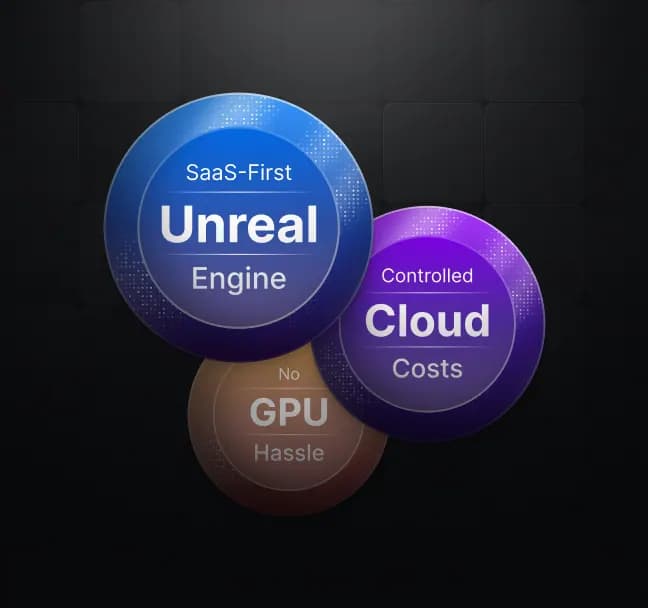
  • Treating Unreal Engine like a SaaS-backed service, not a bare-metal GPU cluster.

  • Allowing teams to focus on orchestration, monitoring, and security, rather than GPU provisioning and signaling protocols.

  • Giving finance and leadership confidence that Unreal Engine will not become a hidden cloud-cost monster.

Stop Juggling GPU VMs
Integrated DevOps services connecting build automation, deployment pipelines, cloud infrastructure, and Unreal Engine streaming environments
Server infrastructure representing plug-and-play integration with existing DevOps pipelines for automated Unreal Engine deployment and streaming

Plug Eagle Into Your Pipeline.
Skip the Orchestration Headache.

Eagle integrates with your existing CI/CD and handles the parts you'd otherwise have to build and maintain yourself — GPU provisioning,
auto-scaling, session routing, NAT traversal, and cost controls. Repeatable deployments, predictable costs, no new infrastructure burden
for your team.

Ramboll

Ramboll

Pixel streaming through Eagle changed how we deliver projects — now we just send clients a link instead of a file they may not even be able to run. Executables were often blocked by IT departments, and many clients simply didn't have the hardware to run them smoothly. With Eagle, they can open it on a laptop or a phone, which has made sharing our work dynamic and effortless.

Logo

Sasan

Before Eagle, I found it complicated to work with AWS servers and to explain the pricing model to people. Once I got familiar with Eagle 3D Streaming, everything got easier — it's simple to use, and you can run pixel streaming right through your website without the hassle.

Logo

Wes Meyers

Moving our infrastructure to the cloud with Eagle is something you all clearly understand well. That shift is the next step for us in scaling our production work more effectively.

+1 (915) 246-0772

info@eagle3dstreaming.com

LinkedIndiscordyoutubegithubtwitterinstagram