Eagle 3D Streaming
DemosPricing
LoginPixel Streaming for Free
Eagle 3D Streaming
LoginPixel Streaming for Free


Eagle 3D Streaming

Book a quick call — we'll help you solve any issues and get you streaming in no time.

Let's get you started with Pixel Streaming fast

Features

Developer Tools

  • Features Plugin
  • Remote Editor
  • WebSDK
  • CI/CD Tools
  • Automation Tool

Platform

  • Executable-Free Distribution
  • Run Unreal Engine Without a High-End GPU
  • Run Unreal Engine on Any Device
  • How it Works

Enhancements

  • White Label
  • Multiplayer
  • Developer Options
  • Meetings
  • Self-Hosting
  • VR Pixel Streaming

Enterprise

  • Scalable Cloud Infrastructure
  • Pixel Streaming Consultancy
  • Cloud Selection
  • SSO

Solutions

By Role

  • Front-end Developers
  • Unreal Engine Developers
  • Management/Project Managers & Procurement
  • CTOs

By Use Case

  • Real Estate
  • Engineering
  • Collaboration Meetings
  • Product Configurator

By Business Type

  • Enterprise
  • Visualization Studios

Resources

Community & Learning

  • Community
  • Events & Workshops
  • Blog
  • Podcast

Support & Documentation

  • Support
  • Documentation
  • FAQ
  • Glossary

Company

  • About us
  • CareersWe're Hiring!

Globally Deploy Unreal Applications in Minutes With Eagle’s Self-Serve Pixel Streaming Platform

+1 (915) 246-0772info@eagle3dstreaming.com
LinkedIndiscordyoutubegithubtwitterinstagram
Legal & Trust Center

© 2026 Eagle 3D Streaming.

Eagle 3D Streaming logo
Presented byEagle 3D Streaming Community Events

To get your event added, please contact

info@eagle3dstreaming.com
YouTubeLinkedIn

Hosted By


  • Quintin AndersonQuintin Anderson
    linkedin
  • Maruf Khan OrnobMaruf Khan Ornob
    linkedin
E3DS Workshop - Build a Multiplayer Pixel Streaming Application

E3DS Workshop - Build a Multiplayer Pixel Streaming Application

SEP

17

Thursday 17 September

11:00 AM CDT / 6:00 PM CEST / 8:00 PM GST / 1:00 AM JST (Sept 18)

Address

Online

Registration

Welcome! To join the workshop, please register below.

Overview

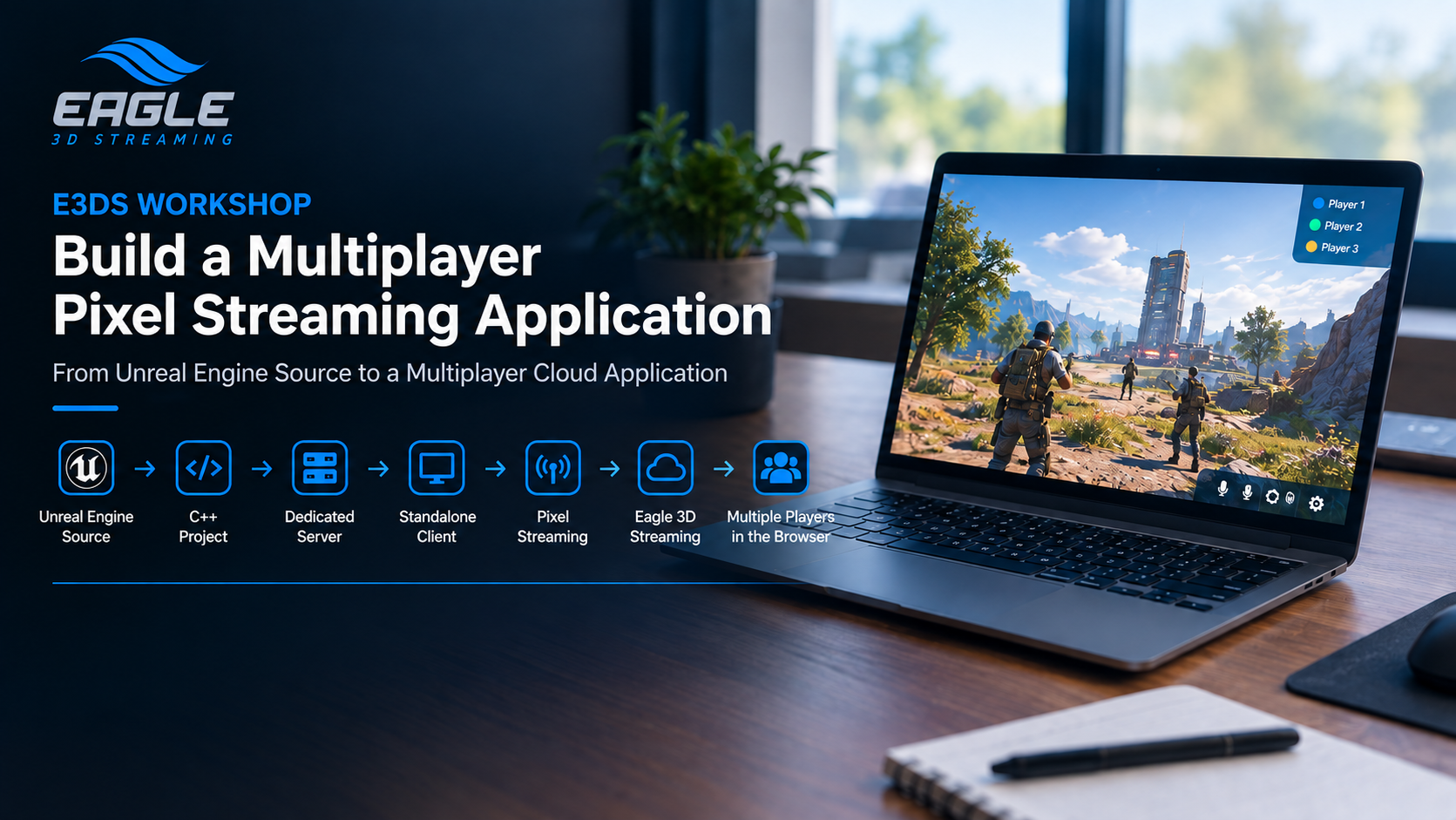
In this hands-on workshop, we'll build a multiplayer Pixel Streaming application from the ground up.

We'll walk through the complete manual workflow:

Unreal Engine GitHub Source ➜ C++ Project ➜ Dedicated Server ➜ Standalone Client ➜ Pixel Streaming ➜ Eagle 3D Streaming ➜ Multiple Players in the Browser

The goal is to understand what is actually required to create and deploy a multiplayer Pixel Streaming application, without relying on automation.

Led by Industry Experts

Quintin Anderson

CEO, Eagle 3D Streaming

Maruf Khan Ornob

Unreal Engine Developer, Real-Time & Pixel Streaming

Who Should Attend?

This workshop is ideal for:

  • Unreal Engine developers
  • Pixel Streaming developers
  • Multiplayer developers
  • Developers interested in dedicated servers
  • Teams building browser-based multiplayer experiences
  • Developers who want to understand the manual deployment workflow

Agenda

  1. Unreal Engine Source Setup
  2. Multiplayer Plugin Setup
  3. Enable Pixel Streaming
  4. Convert the Project to C++
  5. Dedicated Server Configuration
  6. Build Unreal Engine & Project
  7. Configure the Multiplayer Application
  8. Deploy & Test

What You'll Learn

By the end of the workshop, you'll understand how to:

  • Work with an Unreal Engine GitHub source build
  • Convert a Blueprint project into a C++ project
  • Configure Unreal Engine for dedicated server development
  • Create and build a dedicated server
  • Build the Unreal Editor from source
  • Configure a multiplayer project
  • Enable Pixel Streaming
  • Package a dedicated server and standalone client
  • Deploy both builds to Eagle 3D Streaming
  • Run and test a multiplayer Pixel Streaming application

Key Benefits of the Workshop

Understand the Manual Process

Learn what happens behind the scenes instead of relying on automated tools.

Build a Real Dedicated Server

Create, compile, package, and run your own Unreal Engine dedicated server.

Combine Multiplayer & Pixel Streaming

See how a dedicated server and Pixel Streaming work together in one application.

Learn the Source Build Workflow

Understand why and how to move from the standard Epic Games Engine installation to a GitHub source build.

Deploy to the Cloud

Take the locally built server and client and deploy them to Eagle 3D Streaming.

Technical Requirements

  • Unreal Engine 5 project
  • Epic Games account
  • GitHub account with access to Unreal Engine source
  • Visual Studio
  • Windows development environment
  • Blueprint Unreal Engine project
  • Eagle 3D Streaming account
  • Multiplayer Features Plugin
  • Pixel Streaming Plugin

Start Growing Today

Jump into Eagle 3D's Discord and see what other UE devs are building with
pixel streaming.

Join Discord
avatar
avatar
avatar
avatar
170+