© 2026 Eagle 3D Streaming.
Legal & Trust Center

 Quintin Anderson
 Maruf Khan Ornob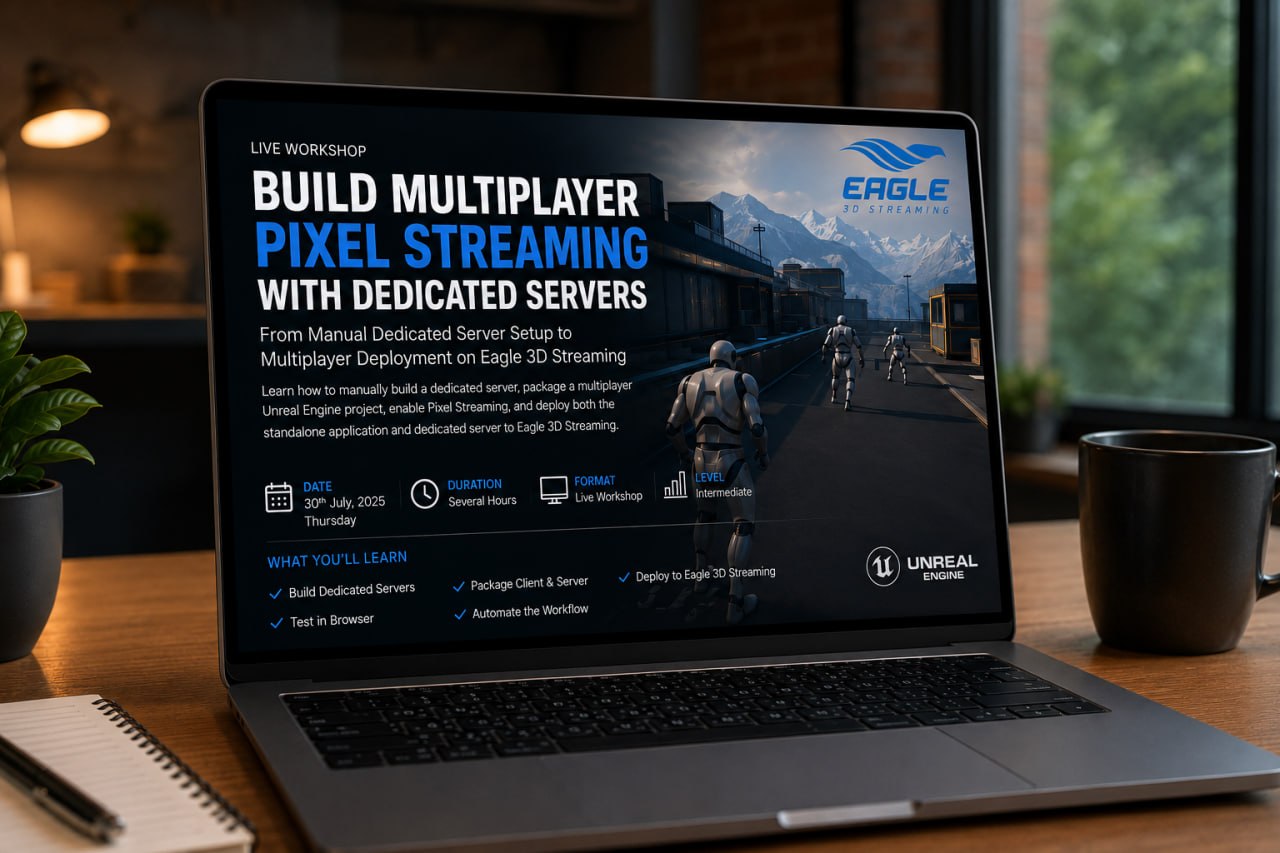
Build Multiplayer Pixel Streaming with Dedicated Servers
Building multiplayer Pixel Streaming applications can be challenging, especially when dedicated servers are involved. Unlike a standard Unreal Engine package, multiplayer applications require both a standalone client build and a dedicated server build, along with the correct project configuration and deployment workflow.
In this workshop, we'll build the complete pipeline manually so you understand every step involved.
We'll begin by preparing a multiplayer-ready Third Person Template project and enabling Pixel Streaming. Then we'll configure the project for dedicated server support by creating the required build targets and packaging both the standalone client and dedicated server.
After testing the setup locally, we'll deploy both builds to Eagle 3D Streaming, configure the multiplayer application, and launch a live session where multiple browser users connect to the same Unreal Engine server.
Finally, we'll introduce the Eagle 3D Streaming Automation Tool, which automates the entire packaging and deployment workflow—allowing you to package both the standalone application and dedicated server, then upload everything to Eagle 3D Streaming with a single click.
By the end of the workshop, you'll understand both the manual process and how automation can dramatically simplify future deployments.
CEO, Eagle 3D Streaming
Quintin will introduce the workshop, explain multiplayer Pixel Streaming architecture, and demonstrate how dedicated server deployments are managed on Eagle 3D Streaming.
Unreal Engine Developer (Real-Time & Pixel Streaming)
Maruf will perform the complete technical walkthrough—from configuring the Unreal Engine project and building dedicated servers to deploying and testing multiplayer sessions on Eagle 3D Streaming.
Learn how to build dedicated server projects for multiplayer applications.
Understand the complete workflow for packaging and deploying multiplayer Unreal Engine projects.
Learn how multiplayer Pixel Streaming applications are deployed and managed using dedicated servers.
Understand the deployment pipeline required for multiplayer cloud applications.
See how the Eagle 3D Streaming Automation Tool simplifies the entire deployment process by:
—all with a single click.
By the end of this workshop, you'll be able to:
To follow along, you'll need:
Start Growing Today
Jump into Eagle 3D's Discord and see what other UE devs are building with
pixel streaming.


