In the high-stakes world of Unreal Engine development and architectural visualization, the visual fidelity is rarely the problem—it’s the interaction friction. You’ve built a photorealistic digital twin or a complex product configurator, but the moment a client needs to download a PDF, upload a custom texture, or simply toggle fullscreen, the seamless experience often breaks under the weight of custom JavaScript and fragile communication protocols.
As discussed in recent industry deep-dives, the demand for accessible high-end 3D is skyrocketing, but technical hurdles remain a primary "pain point" for agencies trying to scale.
"We are moving toward a world where 3D design accessibility is no longer a luxury, but a requirement for high-end client delivery." — Nazzareno Giannelli, CTO of R3PLICA (Real Time Talk: EP. 63)
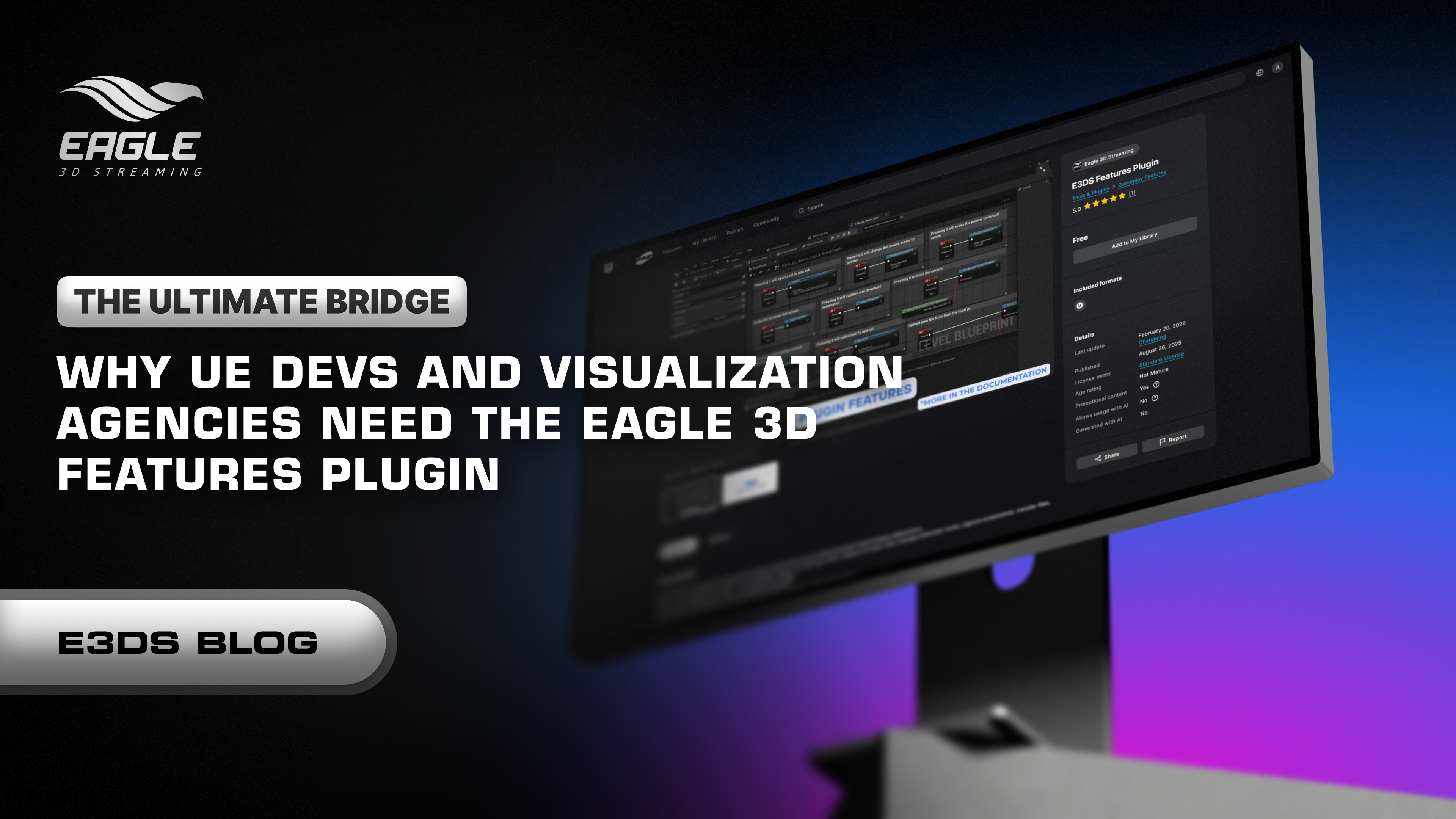
The Eagle 3D Features Plugin was built specifically to solve this. It transforms complex browser-to-engine communication into a set of robust, "drag-and-drop" Blueprint nodes.
Standard Pixel Streaming requires developers to manually bridge the gap between the Unreal App and the web browser. This usually involves:
The Eagle 3D Features Plugin eliminates this "development debt." By providing a single ready-to-use node for essential interactions, it ensures your project remains stable, professional, and—most importantly—delivered on time.
Scenario: A potential buyer is touring a virtual penthouse. They love the marble finish and want a spec sheet.
The Feature: Open URL.
The Action: Instead of exiting the stream, the user clicks a "Specs" icon in the 3D space. The plugin triggers a new browser tab with the brochure while the stream stays live in the background.
Scenario: A client is designing a custom piece of furniture and wants to see their own brand logo on the upholstery.
The Feature: Transfer File from User’s Device.
The Action: The user selects a file from their local desktop; the plugin handles the heavy lifting of sending that data into the Unreal session in real-time.
Scenario: After a 5-minute guided tour of a luxury vehicle, you want to ensure the lead doesn't just close the tab.
The Feature: Redirect to New URL.
The Action: Once the user clicks "Finish Tour," the plugin automatically routes them to your "Schedule a Test Drive" landing page.
Every node is designed for maximum reliability. Explore the specific documentation for each:
Open URL: Instantly open external resources. Docs
Redirect to New URL: Route users to a new page post-session. Docs
Transfer File from User: Send files from a local device to your UE App. Docs
Download File from Server: Enable client-side downloads from your server.
Capture Screenshot: Snapshot the stream and download it instantly. Docs
Toggle Fullscreen: Immersive 1:1 experiences with a single click. Docs
End Session (Global/Client): Graceful stream termination. Docs
The setup is designed to fit into your existing workflow without friction.
Installation: Download the plugin from the FAB Marketplace (Link below).
Enablement: Activate the "Eagle 3D Features" plugin in your Unreal Engine project settings.
Integration: Simply search for "Eagle 3D" in your Blueprint graph. Use Keyboard Events, Widget Buttons, or Actor Overlaps to trigger the nodes.
Deployment: Once your project is uploaded to the Eagle 3D Control Panel, the features work out of the box—no extra web coding required.
Comprehensive Documentation: View Full Feature List
Conclusion
For visualization agencies and UE developers, the goal is always to keep the user immersed. The Eagle 3D Features Plugin removes the technical "speed bumps" of Pixel Streaming, allowing you to focus on what you do best: creating world-class 3D content.
Take Control of Your Streaming Experience Today:
🛒 Grab the Plugin on FAB
📺 See All Features in Action: Watch the Demo
💬 Join our Discord Community: https://discord.com/invite/yvkZewuXKG
#Eagle3DStreaming #PixelStreaming #UnrealEngine5 #ArchViz #GameDev #DigitalTwin #Innovation #3DTechnology
Share the post
Blogs


The Ultimate Bridge: Why UE Devs and Visualization Agencies Need the Eagle 3D Features Plugin
Unlock the full potential of Unreal Engine Pixel Streaming with the Eagle 3D Features Plugin. Simplify browser-to-engine communication with ready-to-use Blueprint nodes f...
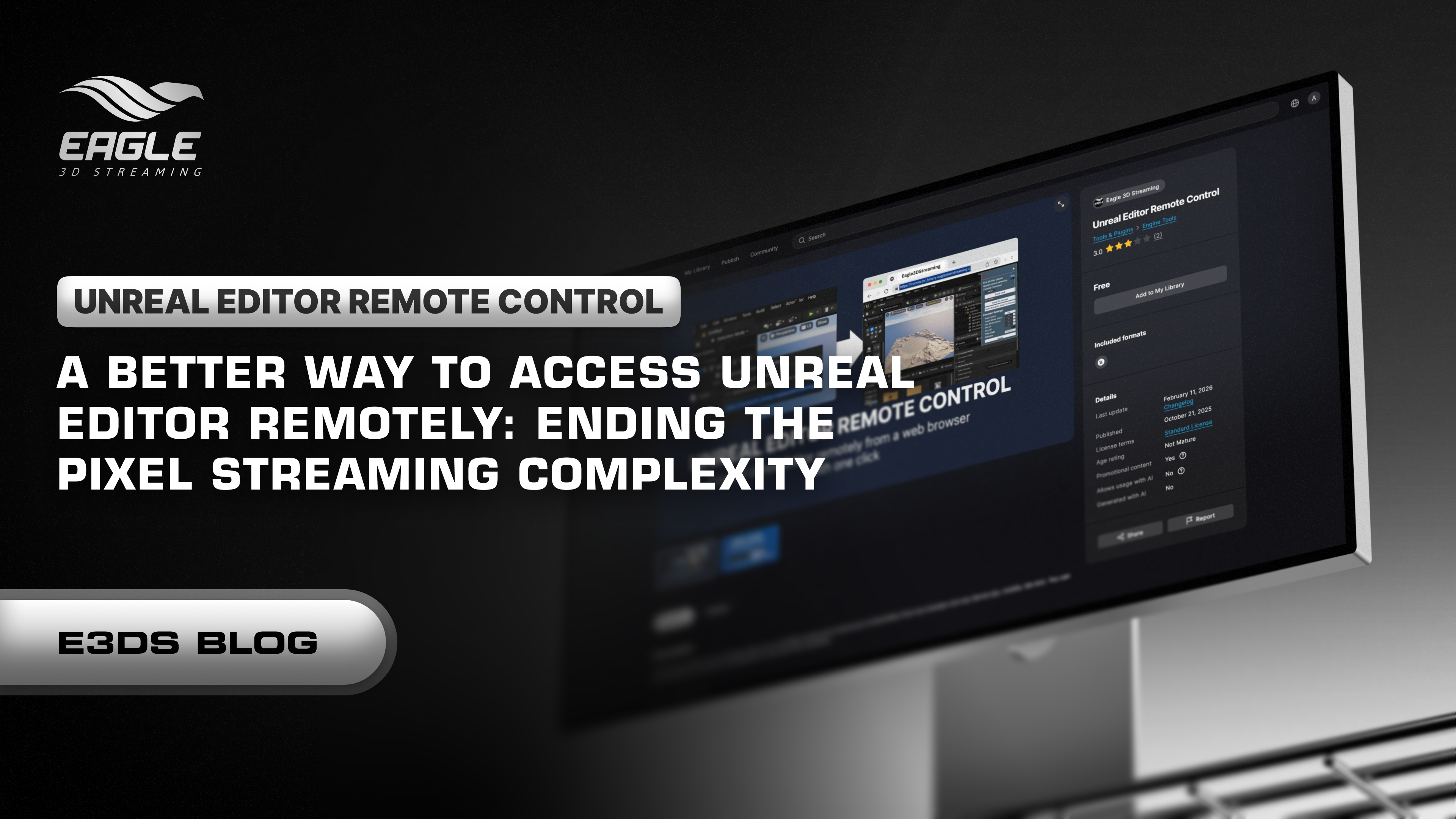
A Better Way to Access Unreal Editor Remotely: Ending the Pixel Streaming Complexity
Discover how the E3DS Remote Control Plugin simplifies remote Unreal Editor access for debugging, training, and team collaboration without complex setup....
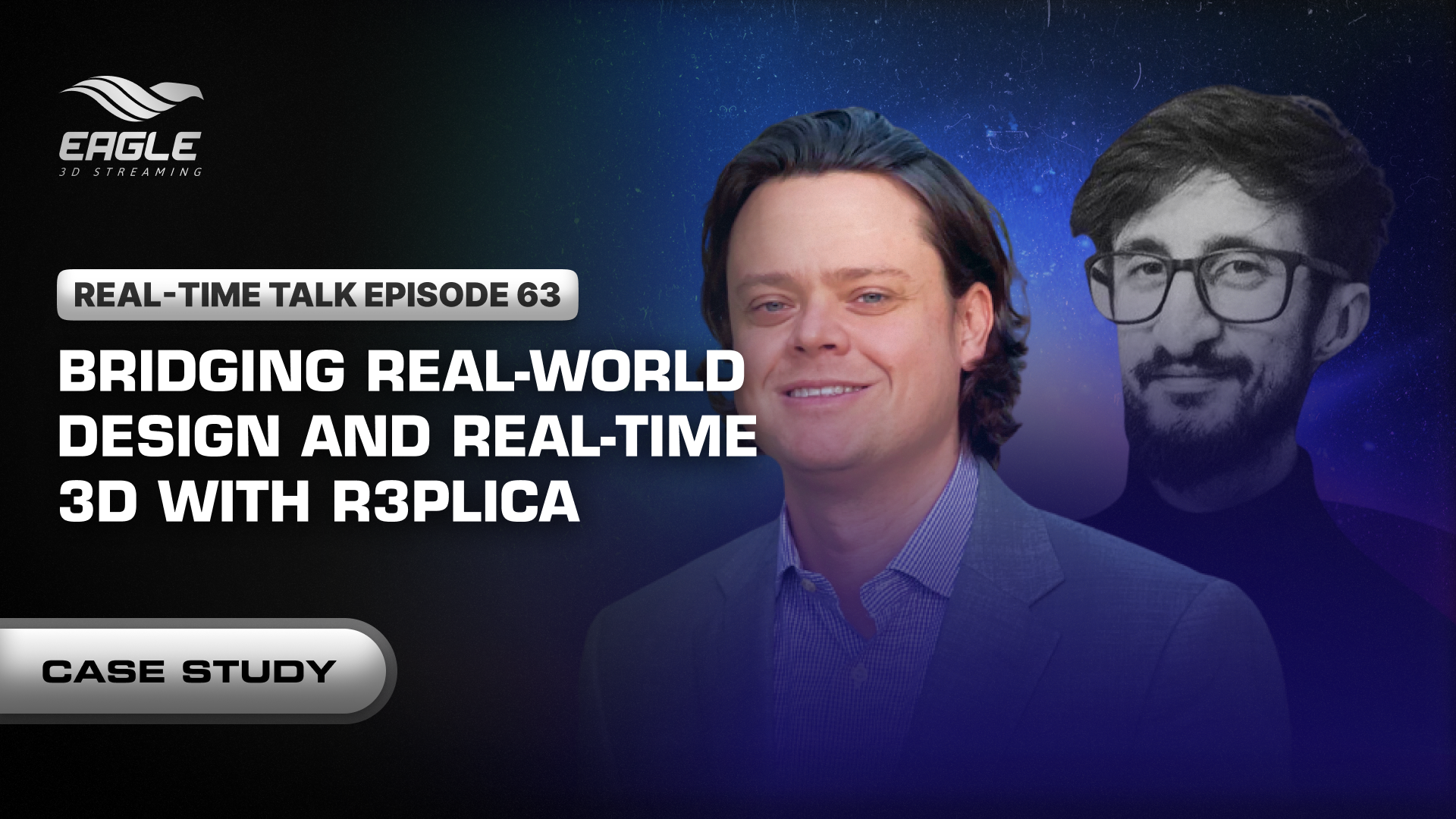
Case Study: Bridging Real-World Design and Real-Time 3D With R3PLICA
Discover how R3PLICA uses Unreal Engine and Eagle 3D Streaming to deliver real-time 3D experiences and manufacturer-accurate design assets to creators worldwide....
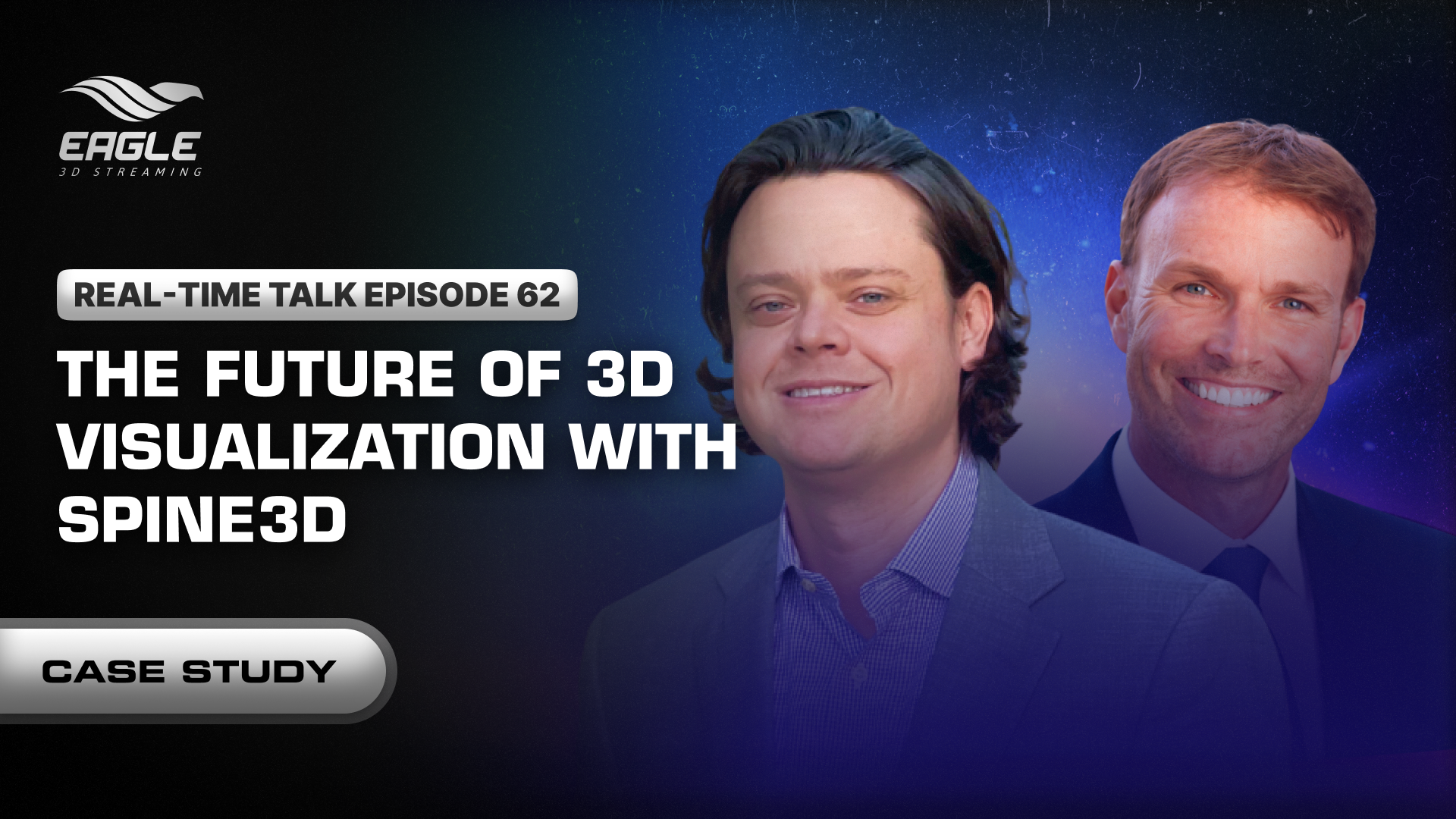
Case Study: Democratizing High-Fidelity 3D Visualization With Spine3D
Discover how Spine3D uses Unreal Engine and Eagle 3D Streaming to deliver high-fidelity 3D visualization and VR experiences instantly through any web browser....